How to Upgrade the CarpuTech CarPlay Decoder System
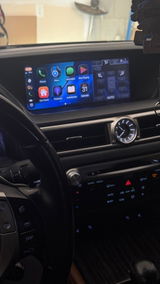
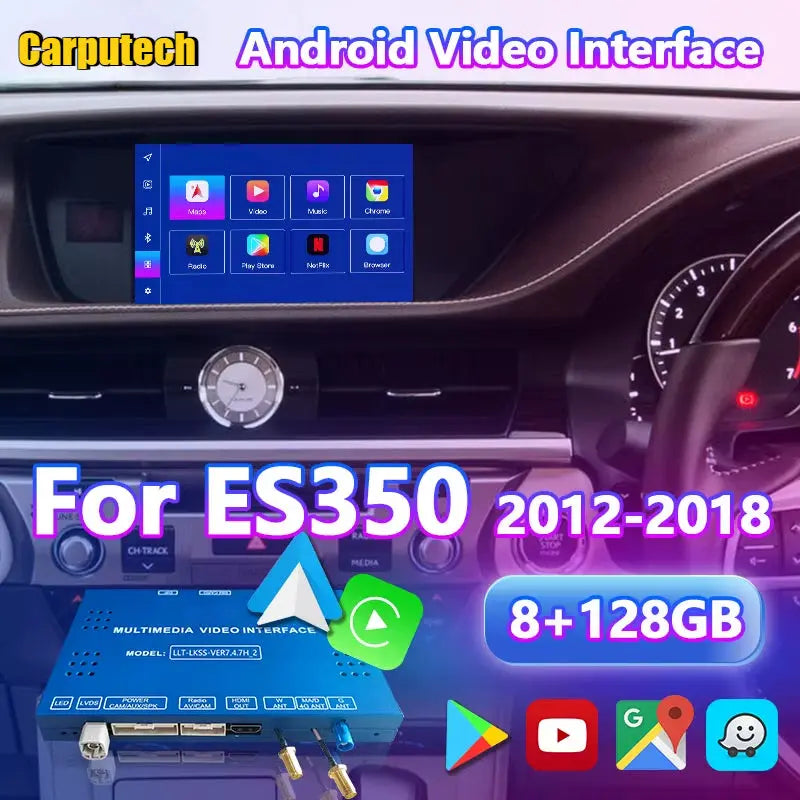
Here we will explain how to perform a system upgrade and an MCU upgrade. This instruction applies to the Lexus CarPlay decoder.
system upgrade
Here is a video for reference:
https://drive.google.com/file/d/1C5Wg_HqXLbu0SaeGx0F23I5Mw2QuYL1m/view?usp=sharing
1. Format the USB drive to FAT32.

2. Copy the system files we sent you to the root directory of the USB drive.

3. Insert the USB drive into our USB port on the system interface.

4. Go to Settings > System > Firmware Update.


5. Updating in progress.

6. After the update is complete, go to Settings and check the system to confirm the version has been updated.

MCU upgrade
Here is a video for reference:
https://drive.google.com/file/d/1itIFjosPNgcjLj2b9HHUZI7IfiN89To8/view?usp=sharing
1. Format the USB drive to FAT32.
2. Copy the system files we sent you to the root directory of the USB drive.
3. Insert the USB drive into our USB port on the system interface.
4. Go to Settings > System > MCU Update.

5. Updating in progress.
6. After the update is complete, go to Settings and check the system to confirm the version has been updated.